How to add Leela Zero in GridMaster

Preparation

Make sure you have GridMaster installed. If you don't have GridMaster yet, get it here. If the free version doesn't work, don't bother trying the paid version (except for the ads they are identical)!

Make sure you have enough free space, and disable all power saving options. Leela Zero has very high computational demands!

Installation

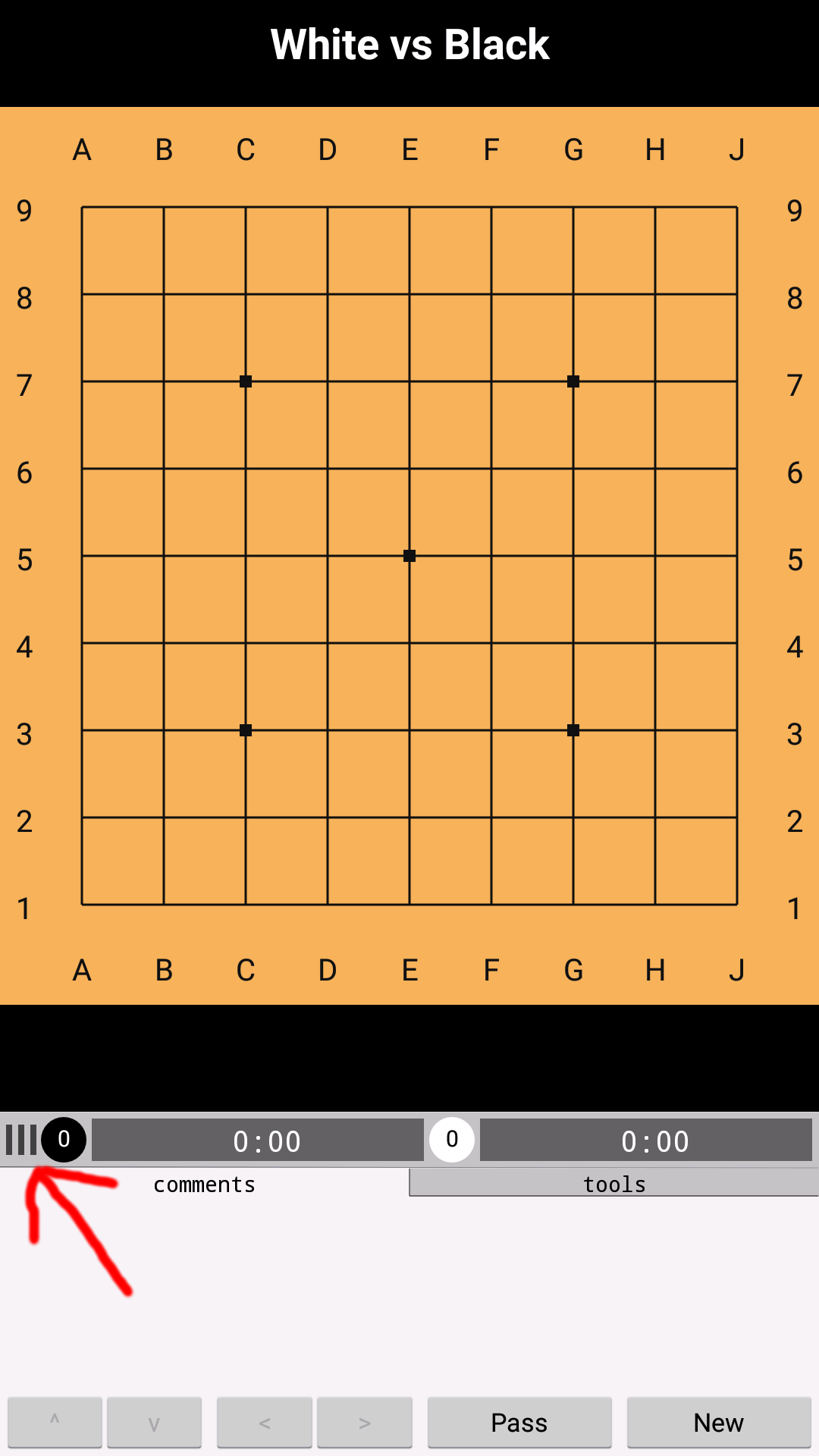
Select options menu
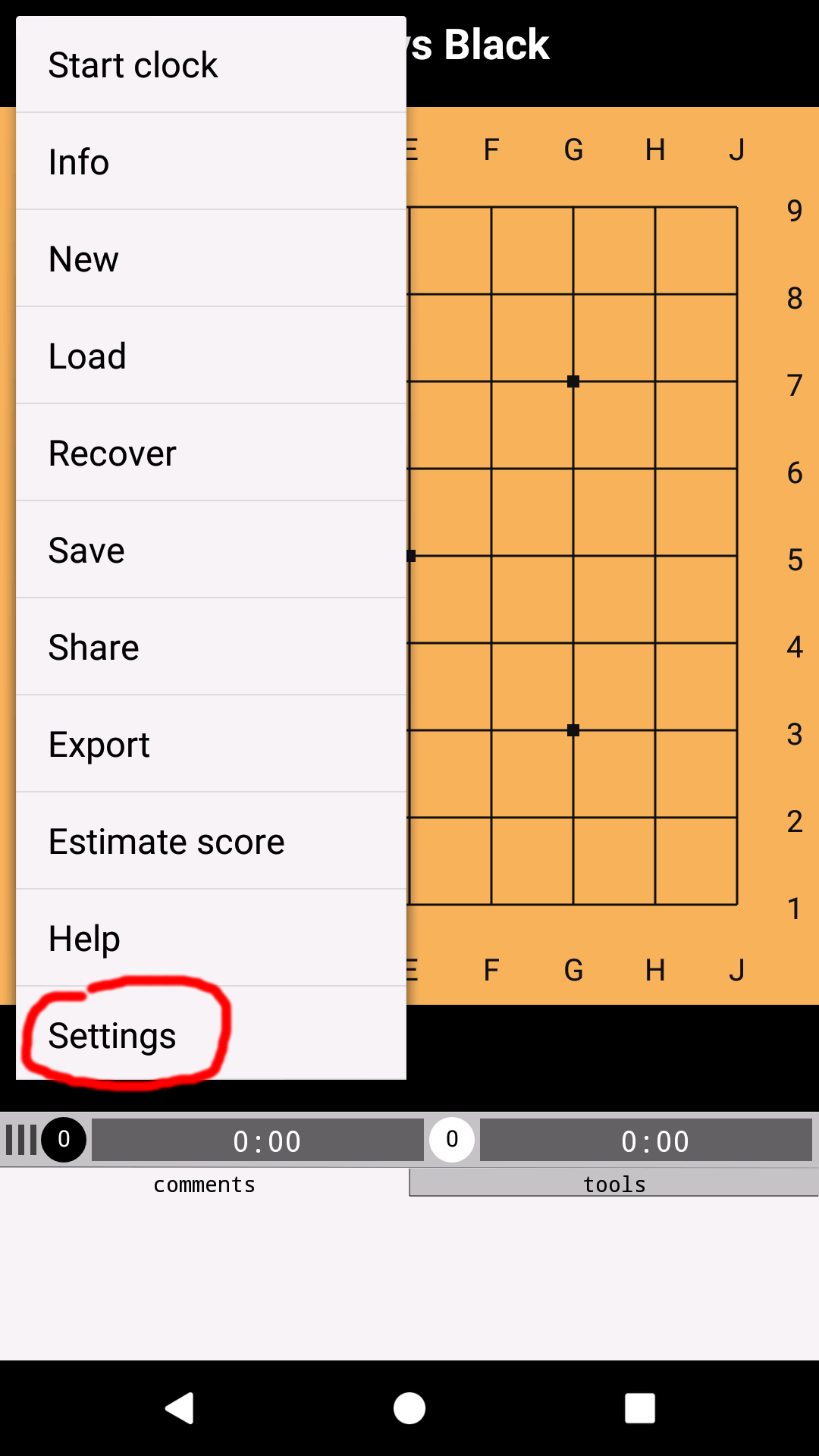
Click settings
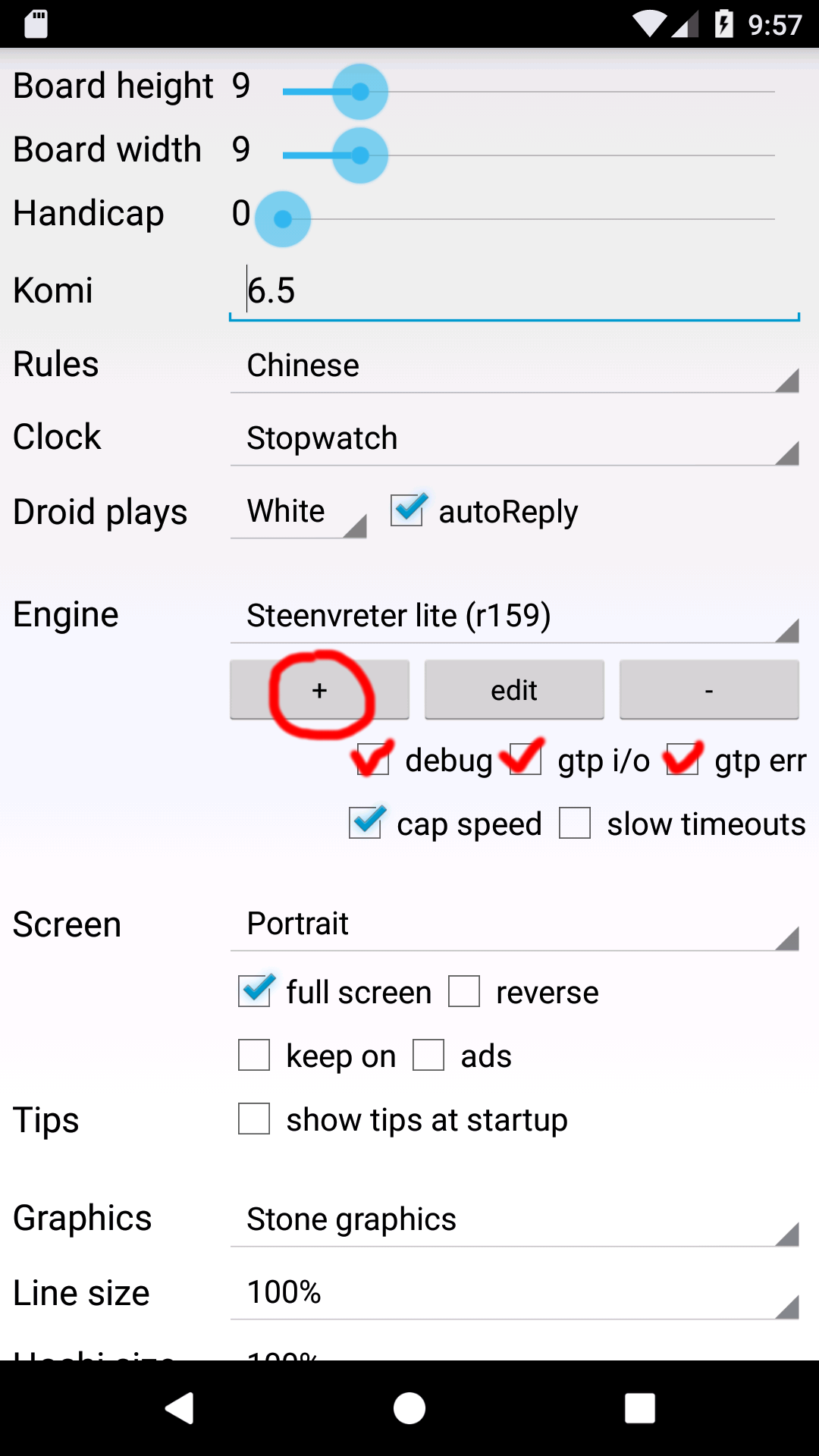
First check: debug, gtp i/o, gtp err
then click (+)
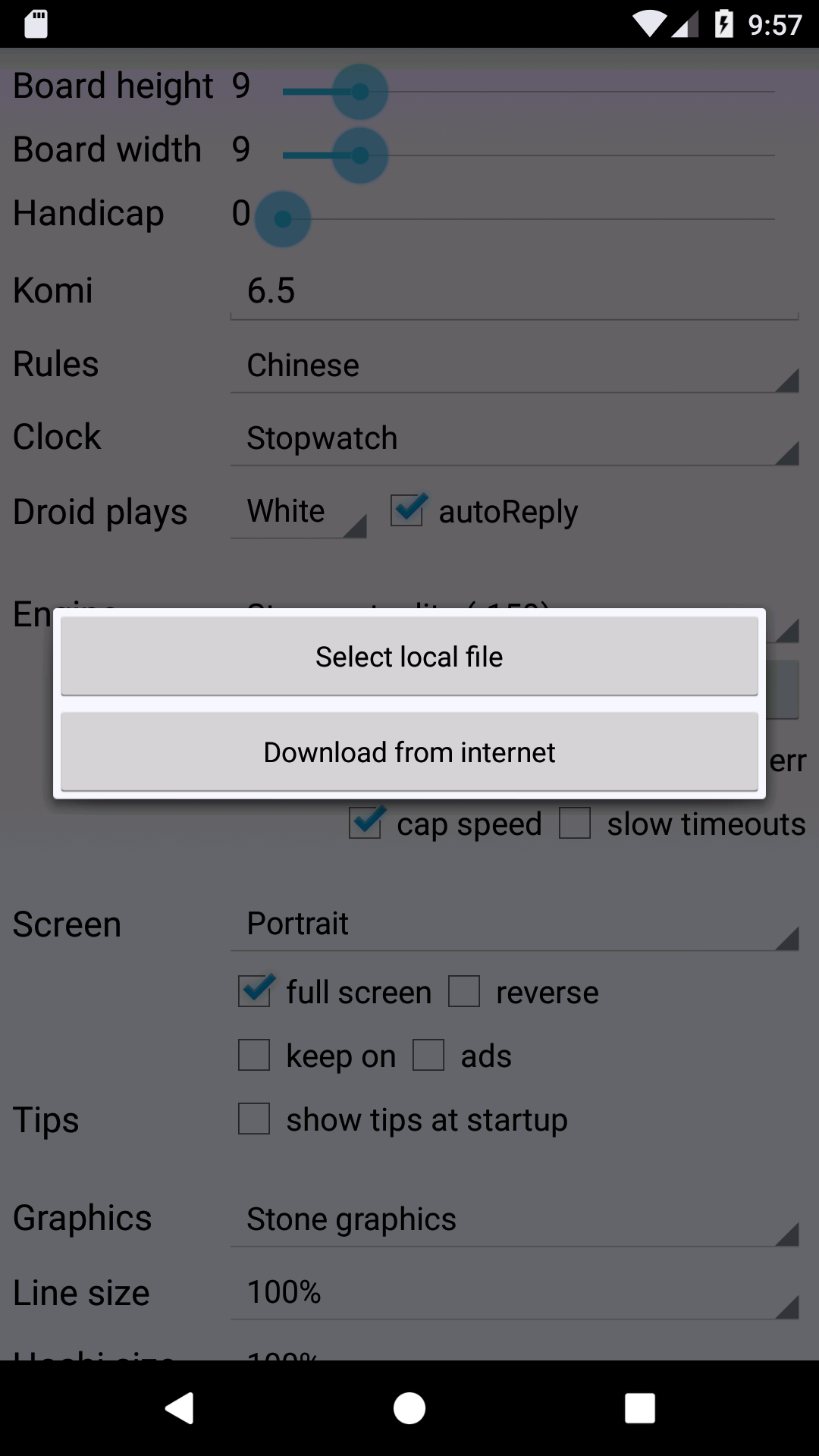
Select: Download from internet
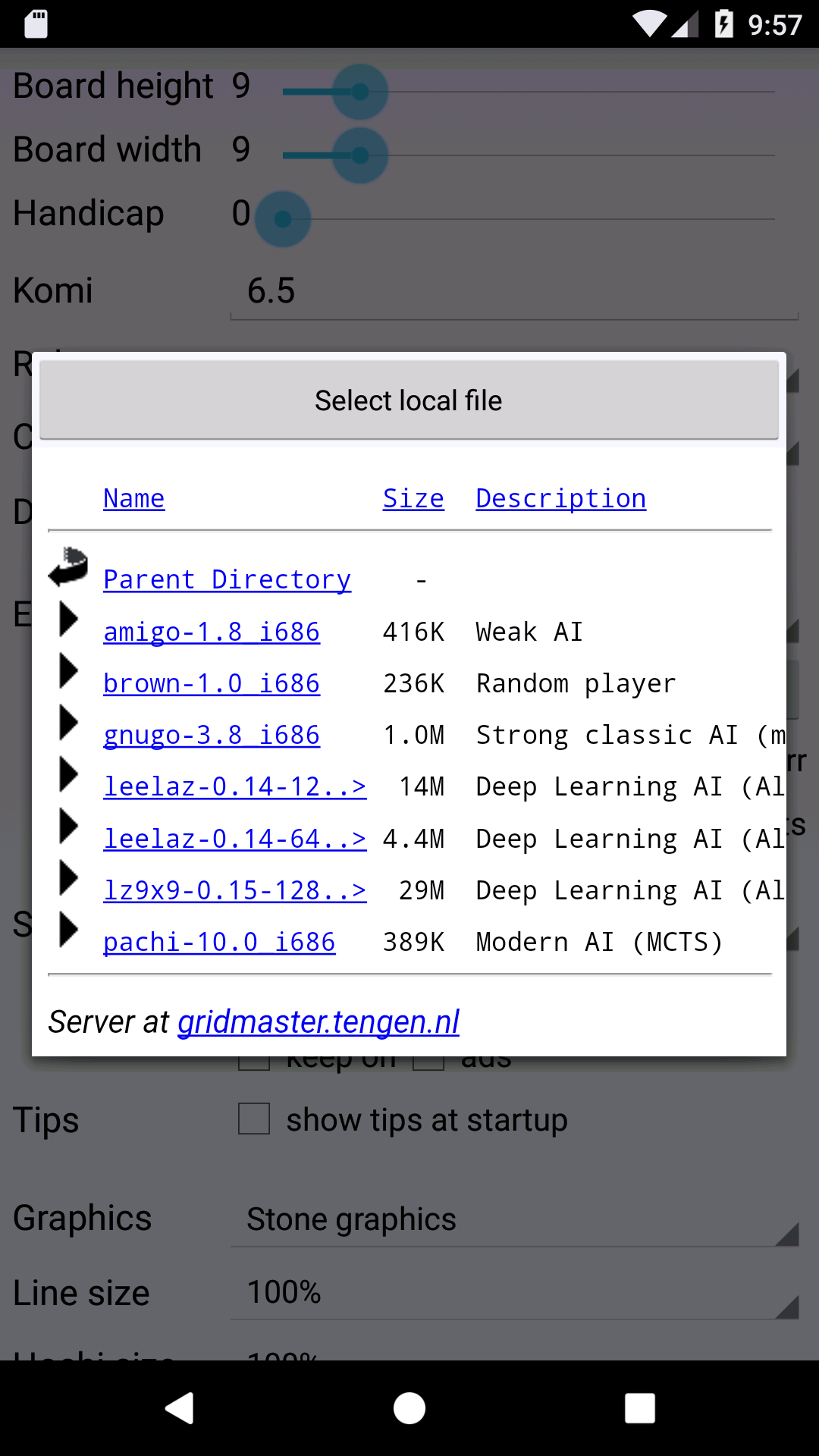
Select leelaz-0.14-64.. for 19x19 (or lz9x9 for 9x9)
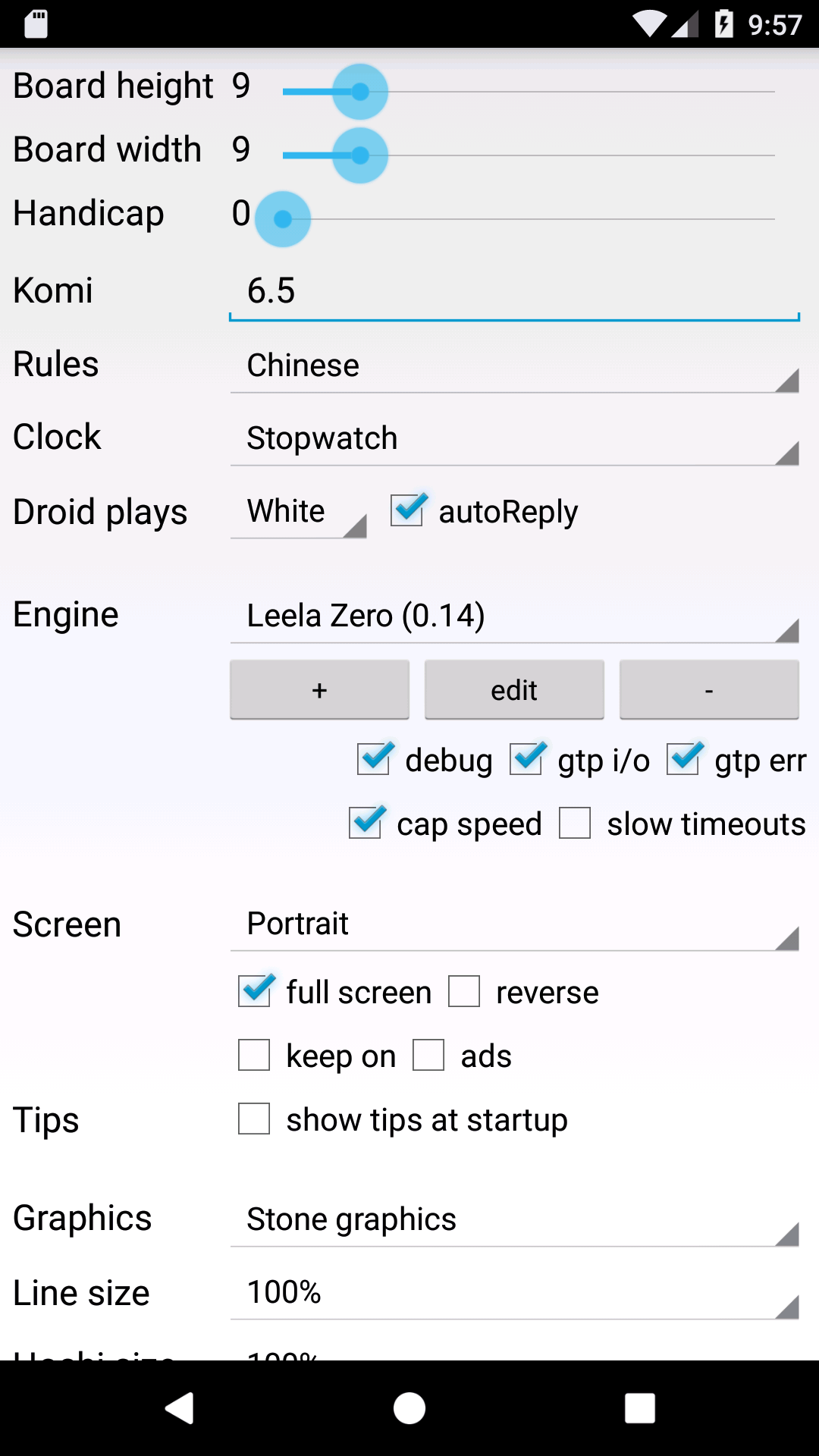
When installation is successful Leela Zero is added to the list of available engines.
Now go back to the main activity.
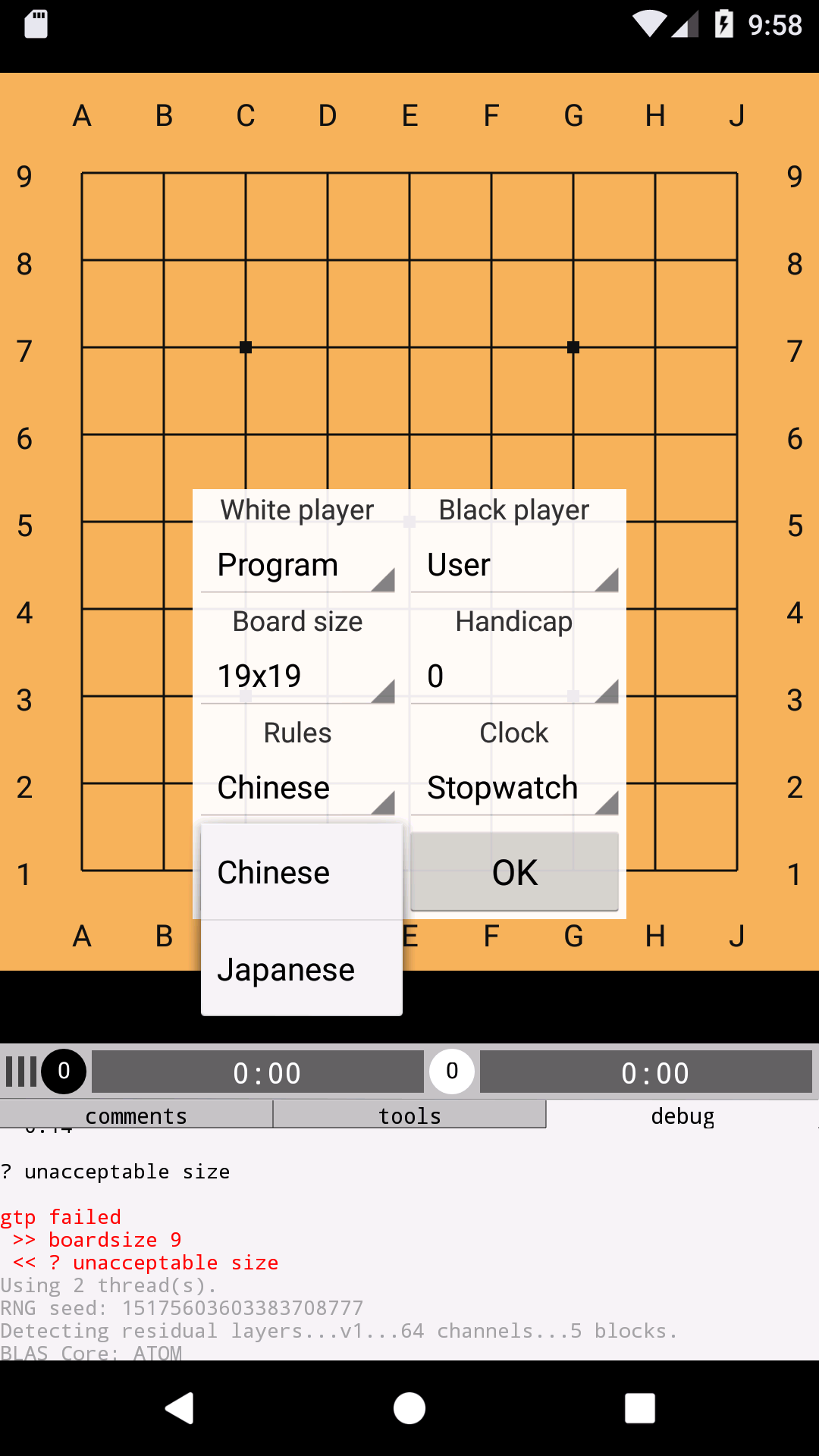
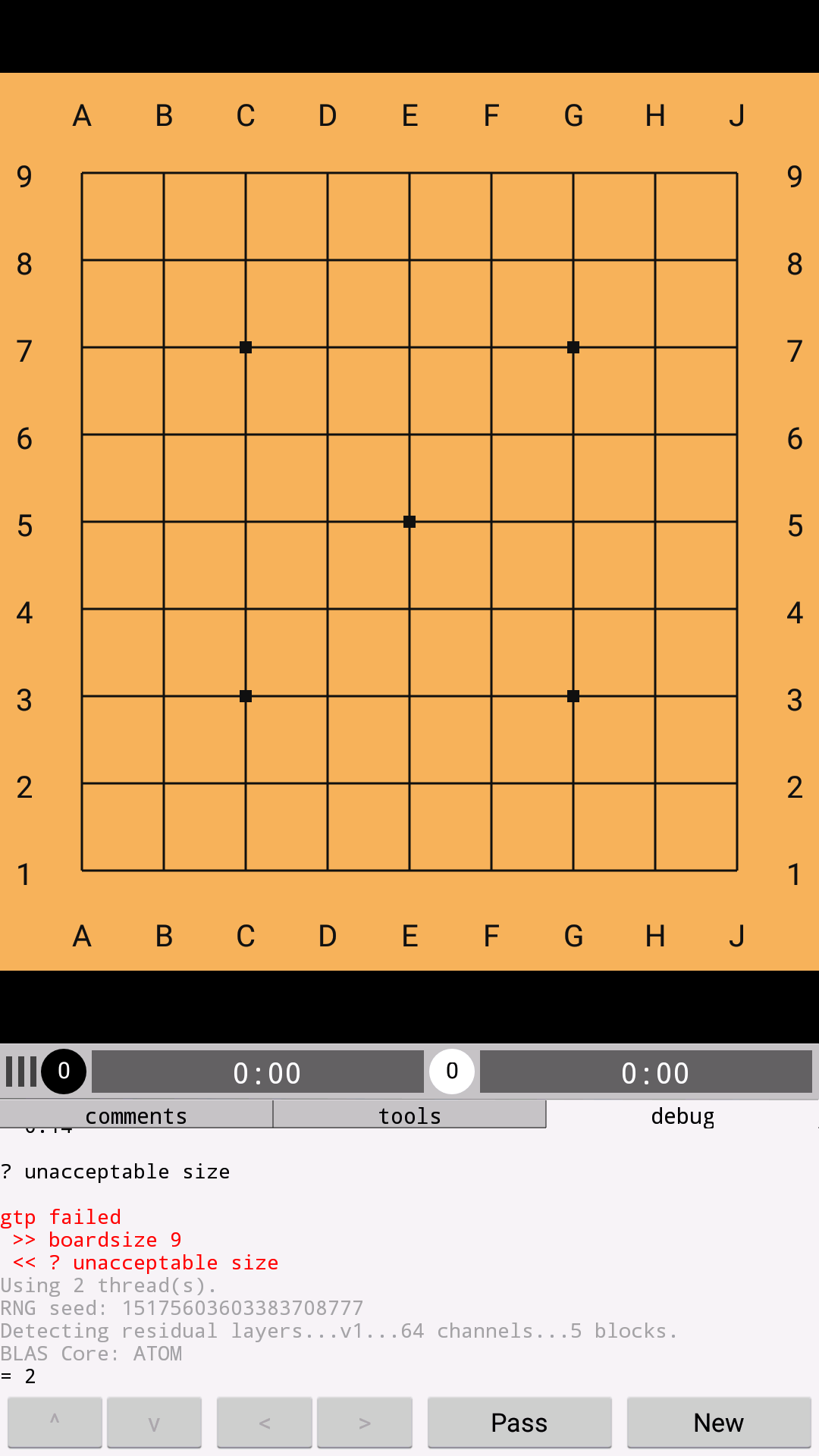
Leela Zero is compiled for a fixed board size, so the 19x19 version will show an error in the debug tab if it's connected to a 9x9 game.
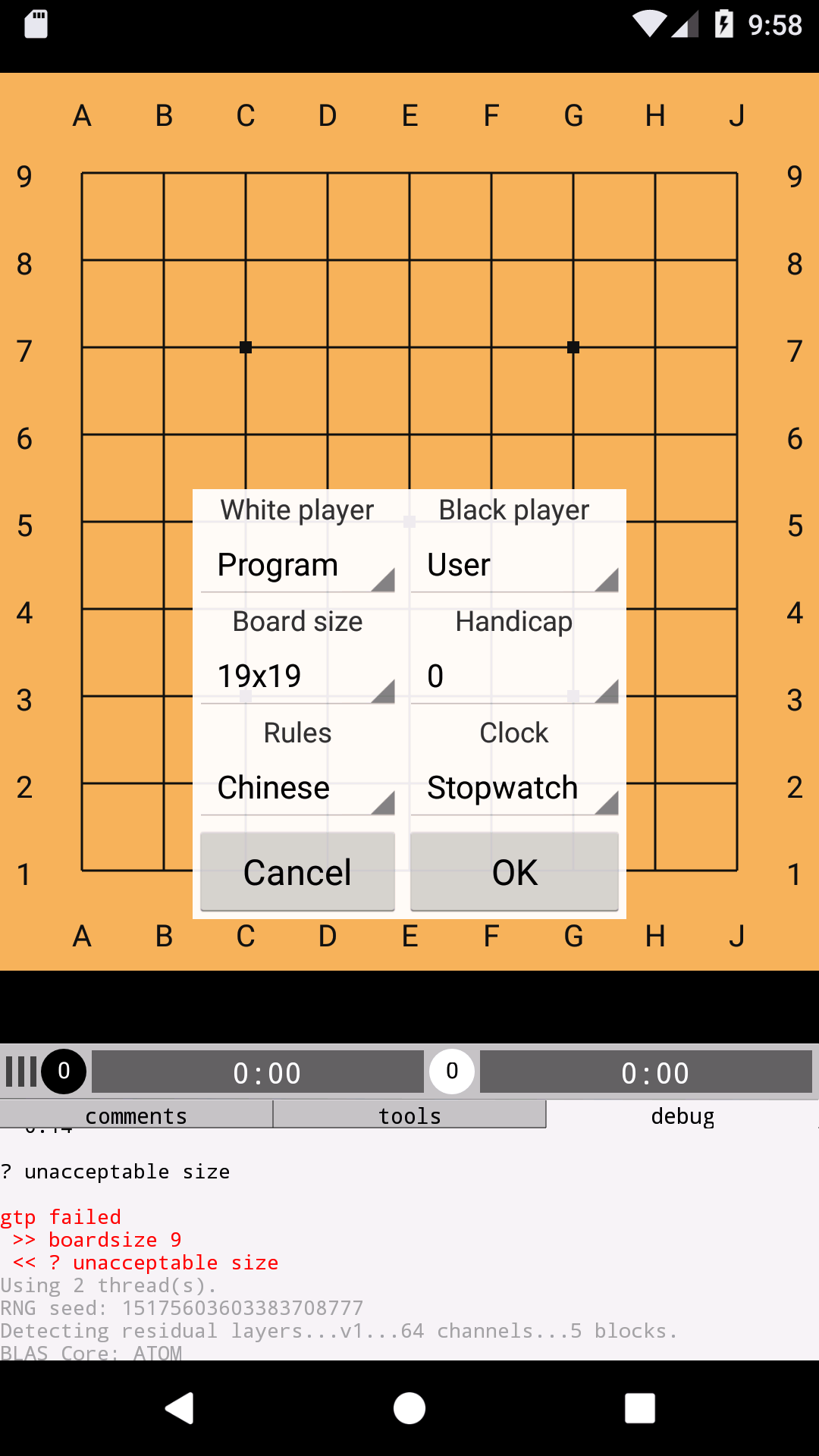
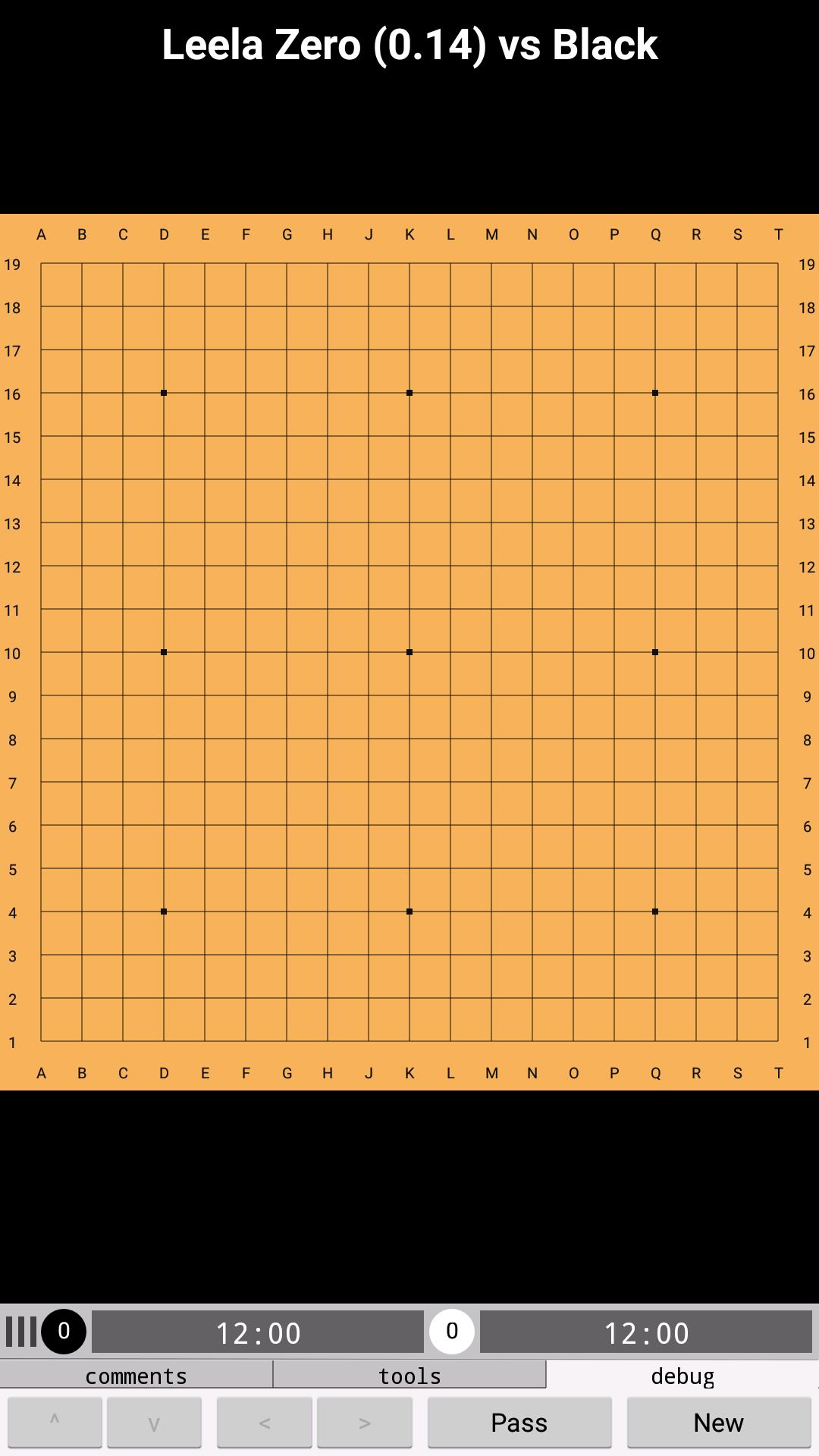
Start a new game with the correct board size, rules and komi.
Choose Chinese rules
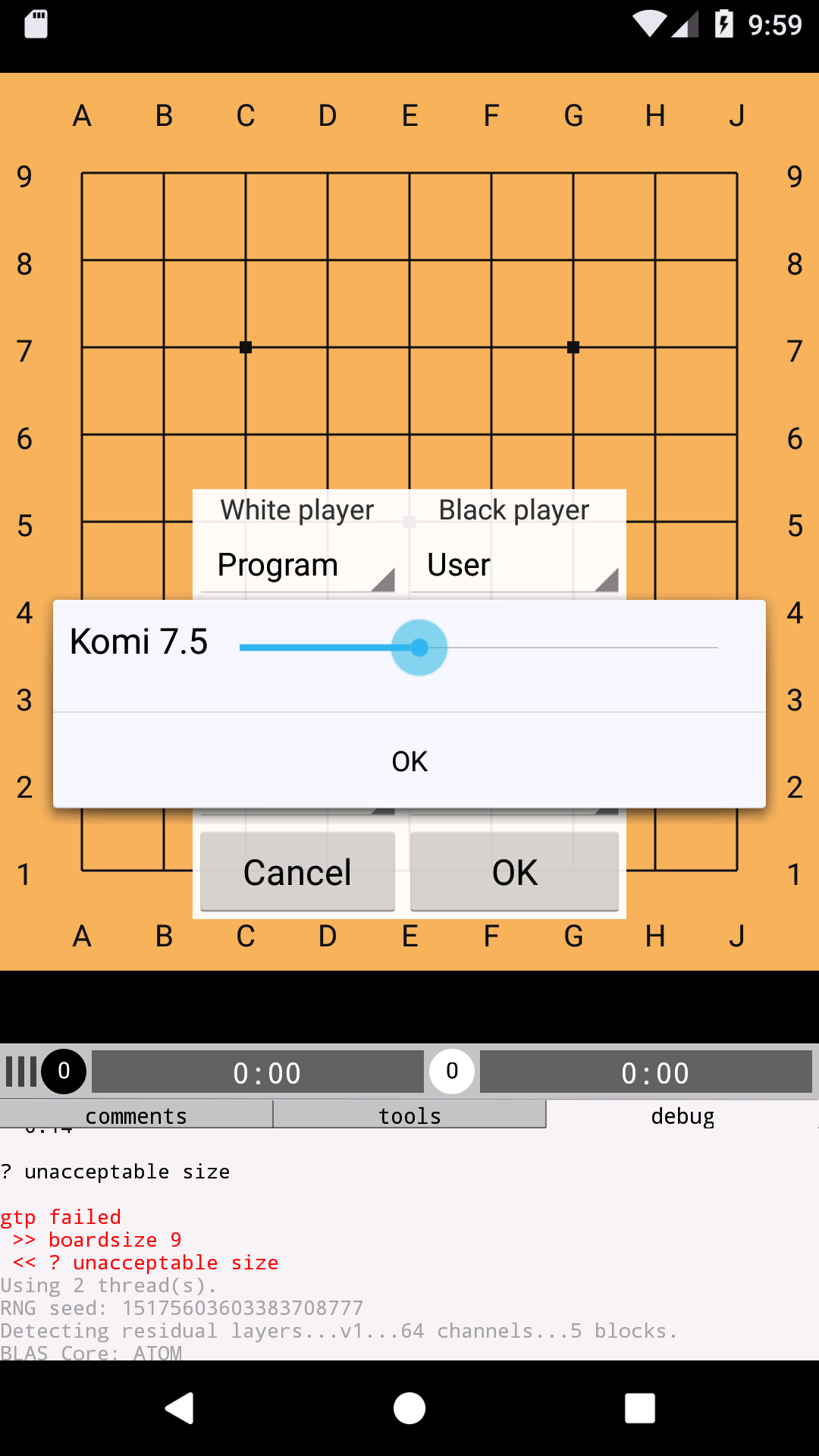
Set 7.5 komi
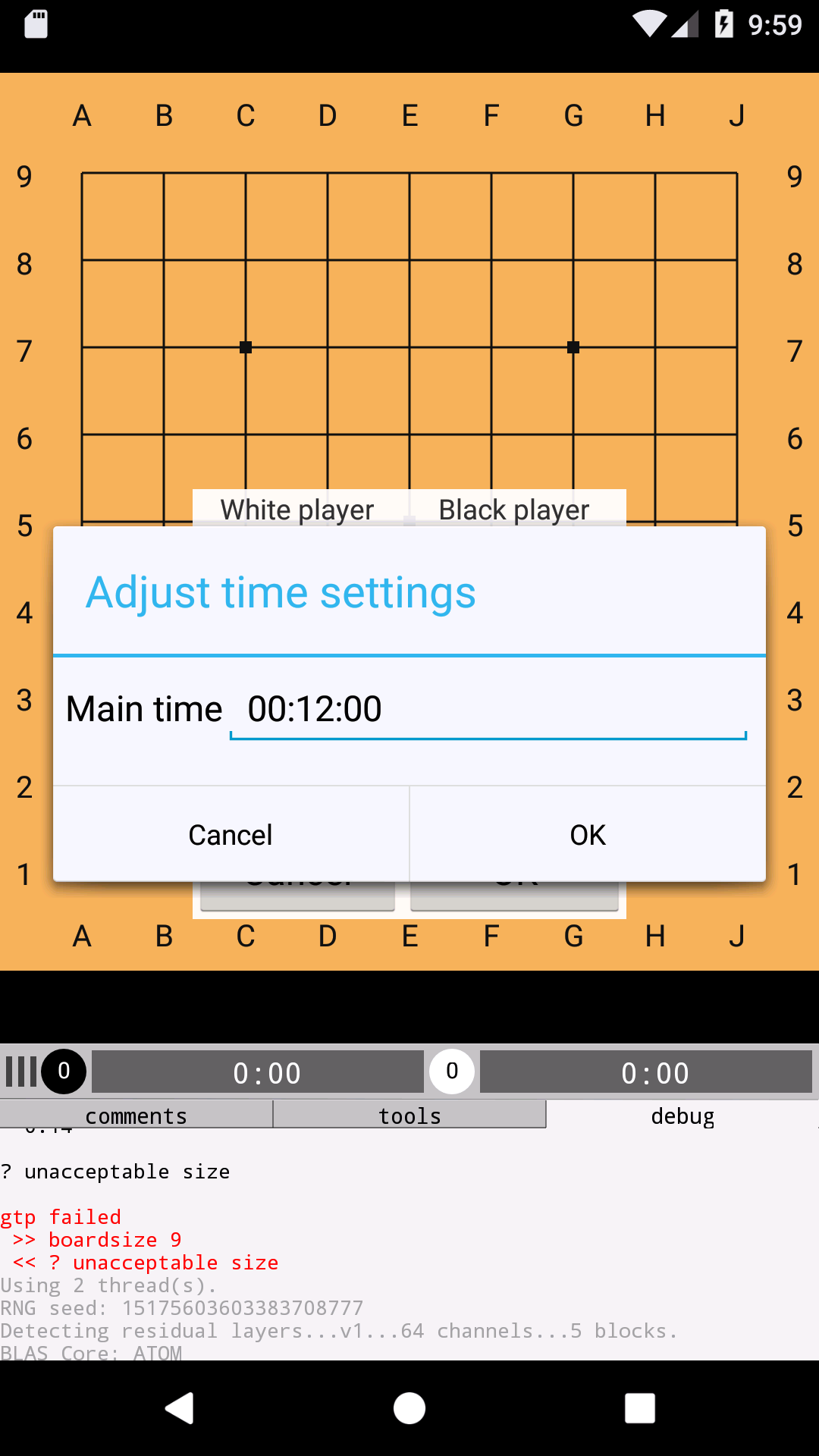
Play with clock if you want the engine to respect time
For example, you could set 12 minutes absolute time

Press OK
The game starts
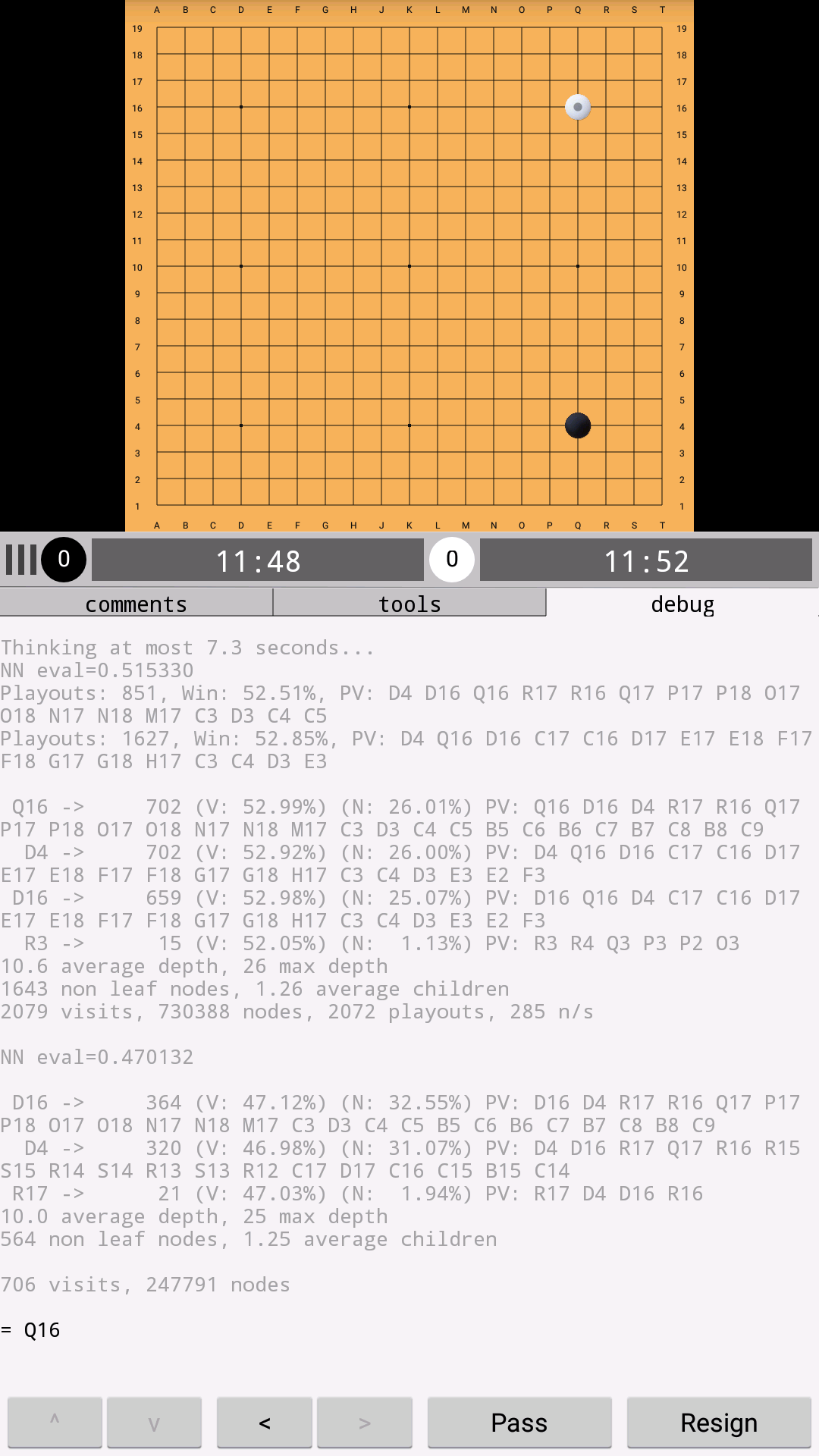
If you want to see what the engine is thinking, select the debug tab and slide the bar up

Advanced options

In the settings you can edit the command line options for the engine, e.g., to use a different network. Command line options are exactly the same as on an ordinary Linux machine. You can plug in any other network you like. Just download, and change the command line argument to "--weights /path/to/weights" where /path/to/weights must be a location that is accessible both to you as a user and to the GridMaster app. The exact paths that work well may differ per device, but some typical options would start with /storage/emulated/0/ or /sdcard/

For more details see https://github.com/gcp/leela-zero/issues/779